Printing

Depending on your process, printing can be the final step in producing your card game, or one of the earliest. While most guides would advise you to use placeholders or proxies for early playtesting, some prefer to print playtesting cards, typically to give a game a more professional feel if attending a convention or developer’s conference. Regardless of if you’re printing early or late into the design process, the same rules must be followed.
First, you must ensure that your individual card files are ready to print. Many of the tools discussed in the Design section will automatically format your project to fit the following standards, but some (like the Adobe suite) need to be configured manually to ensure proper production.

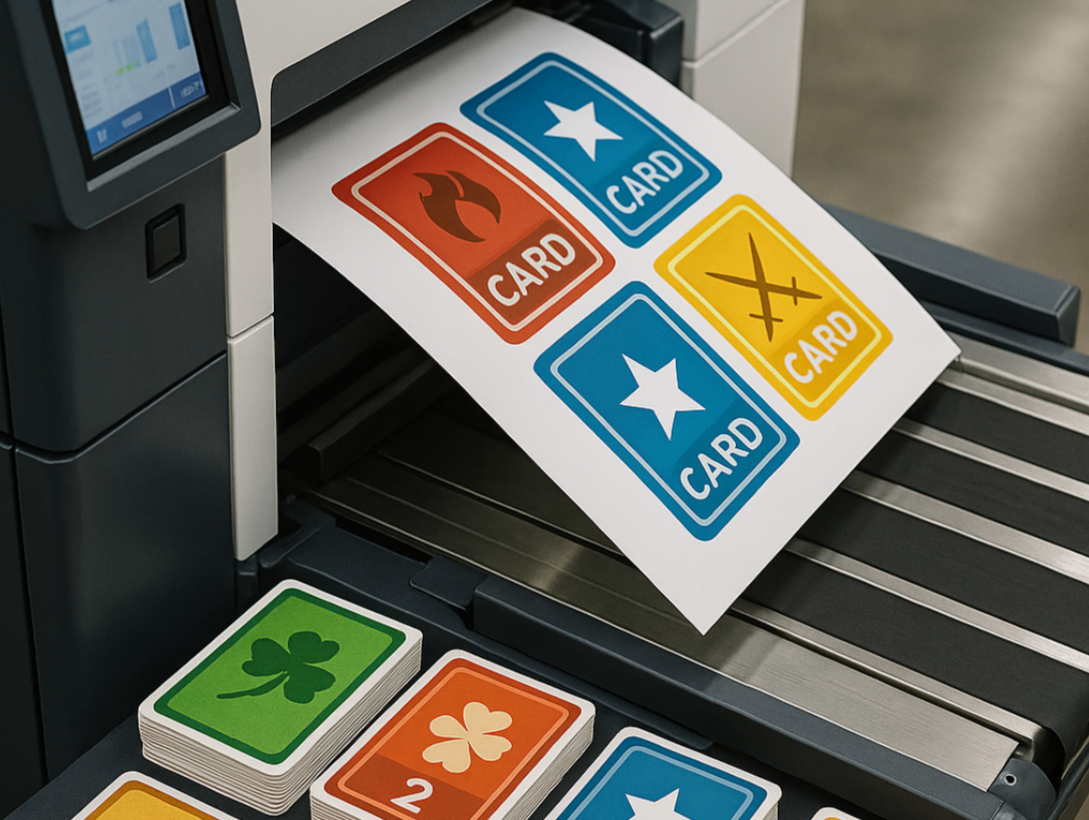
Cards that are ready to be printed will need to be formatted onto a printing sheet.
300DPI - this refers to “dots-per-inch”, and determines how much detail is in captured within your design. Most programs with default to 72DPI. For our purposes, this should be adjusted to 300DPI, to prevent your prints from coming out blurry or grainy.
CMYK - this refers to the four-color printing model used for physical prints. Some programs will default to RGB, a three-color model. To ensure consistency in your card designs, your project should be constructed in CMYK.
Bleed - this refers to the need for each card to have a specific area (called bleed) that extends beyond the borders of the design, yet does not include critical information within it. This is to prevent a situation in which your finalized card has white trim along the borders after being cut out from the printing document. Bleed sizes can vary, but expect to allow at least 1–3 centimeters on all sides.
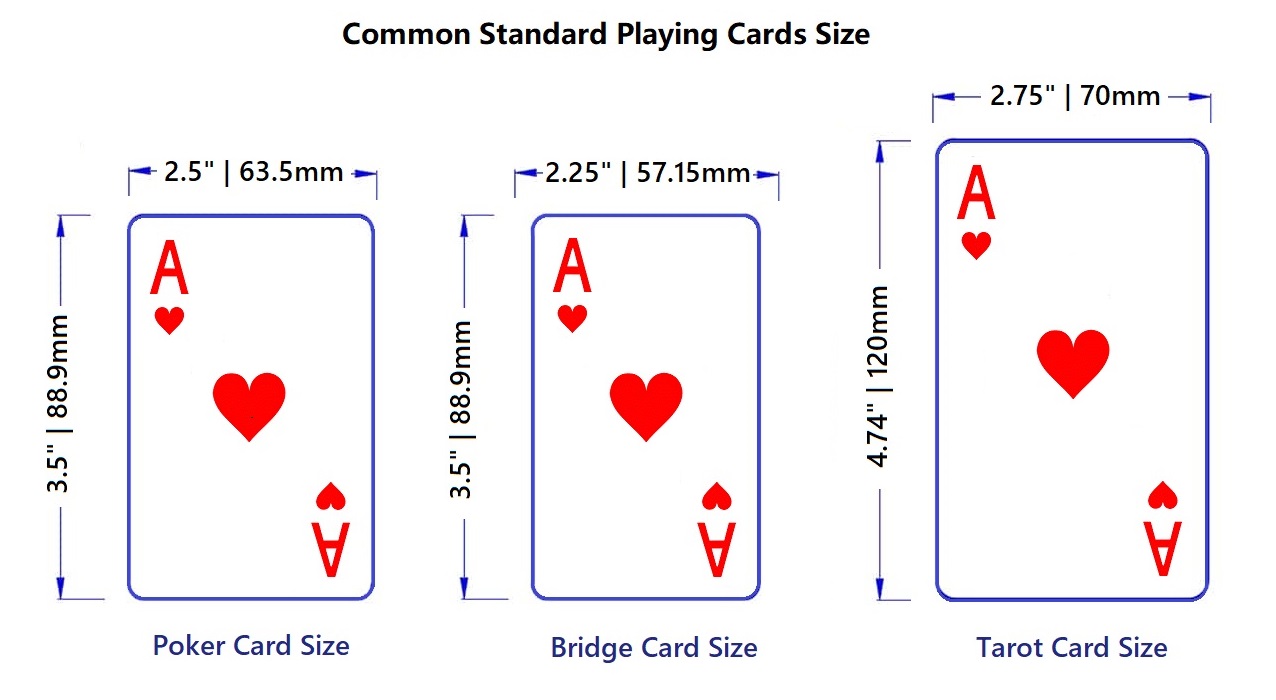
Once this step is complete, each individual card should be placed onto a printing document. Printing documents can be retrieved from a variety of professional printing vendors (even if you don’t purchase anything from them). In order to do so, it is important to know the size of your cards, since most printing documents will be organized by the size or type of your cards. The most common card sizes are poker (3.5 in x 2.5 in), bridge (3.5 in x 2.25 in) and tarot (4.74 in x 2.75 in).
Additional Resources for Printing
This resource is a discussion of printing requirements by Mr. Playing Card, one of many printing services that can print custom playing cards for a fee. It elaborates on the points discussed above, including the need for high definition files formatted in the correct DPI and color mode. Additionally, it provides suggestions for layout and typography concerns when designing cards, with emphasis on ensuring that your finalized designs can be easily read by your players. Finally, it discusses differences between commonly-used materials and finishes for printing cards. As such, this resource can be beneficial for ensuring that your finalized card designs are ready-to-go!

Similarly to the previous resource, this article also discusses important steps to take to ensure a high-quality print. This article stands out due to its discussion of important techniques for crafting cards in a digital environment, which is the modern standard for card creation. It offers detailed analysis of file types (the benefits of using vector-based files as compared to pixel-based files) and gives careful consideration to concerns when mixing text with a visual-heavy design. This resource, in combination with the previous resource, will make certain that you have the technical knowledge necessary to prepare your completed cards for printing.

Before discussing professional printing options, this guide would be remiss without first giving a brief mention to an affordable alternative: Print and Play Games. Print and Play Games refers to a broad category of tabletop games, often including living card games, prototypes, and fan-made expansions, that are designed to be produced at home or via low-cost local printing. Print and Play Games typically provide players with digital files (usually PDFs) containing all the components needed: cards, tokens, rulebooks, and sometimes optional extras like player-aids. Instead of purchasing a manufactured product (or employing the use of a professional printing company) players download the files and print them using their own printer. Print and Play Games won’t fully replace professional printing due to the lack of finish and tactile feel of professionally manufactured cards, but they serve as an invaluable way for indie or up-and-coming designers to release their games to potential players.
If the cost of printing your card game professionally is a concern, joining the thriving ecosystem of Print and Play Games is a perfectly valid alternative. Simply complete all the steps discussed above, but forgo hiring the companies mentioned in the following section. This resource comes from PNP Arcade, the premier resource for Print and Play Games—second only to the ever-valuable Board Game Geek. Overall, the site hosts a variety of Print and Play Games, while the linked article in particular acts as a hub for important tools, tips, and techniques for printing your own Print and Play Game. After all, forgoing the professional printing process means that you need to be concerned with printer and ink quality, card stock preference, and ensuring that your bleeds and margins are properly set-up. As a designer potentially interested in creating your game as a Print and Play Game, this is an invaluable resource for ensuring that you can print your cards properly—even at home!
Professional Printing Companies
For a more professional-quality print, you should consider paying one of the many printing companies who accept custom designs. The following list is only two of numerous options. Many more can be found with a simple Google search of “Custom Card Printing.”

